
Release Notes

Design a mule. Make it real.
Vizcom x Zellerfeld Challenge
This month, we’re teaming up with Zellerfeld for a brand-new Vizcom Challenge that invites designers of all levels to reimagine the mule. Craft your boldest ideas in Vizcom, submit them, and the top 3 designs will be physically printed by Zellerfeld, sent to you for free, and launched on their platform to a global audience.
The full prompt drops March 2 @ 9 AM ET.
Whether you’re sketching, rendering, or iterating in 3D, this is your chance to push boundaries and create something unforgettable.

New in Vizcom
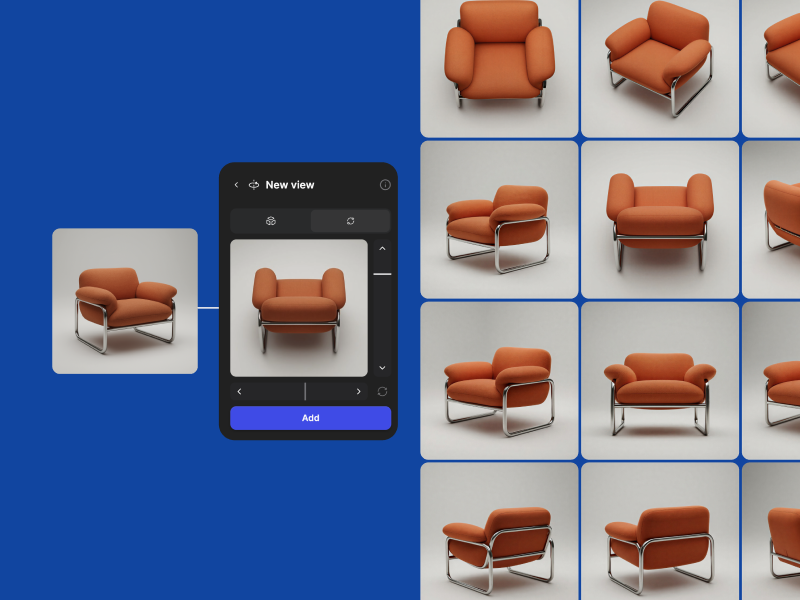
Free View
We’ve updated the New View experience to control rotation and tilt independently. Explore up to 24 perspectives and hit Refresh to iterate while keeping your view locked in.
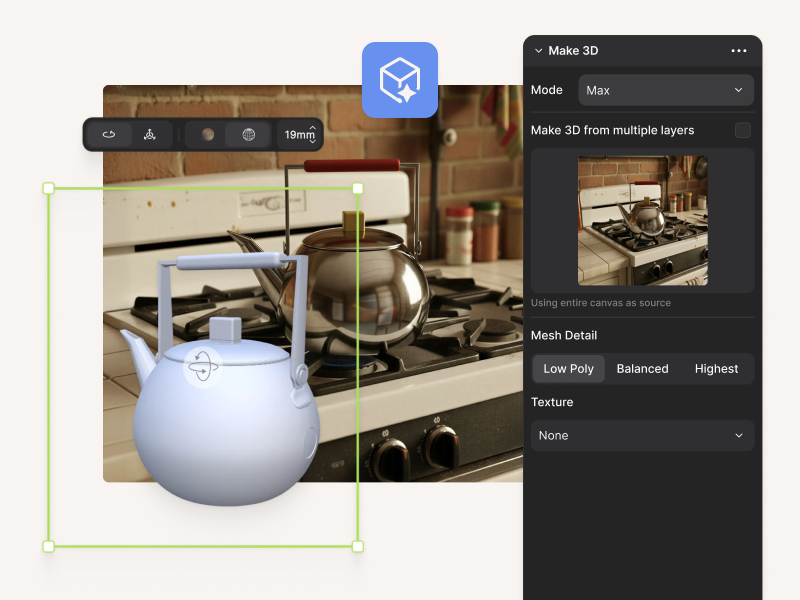
3D Panel Improvements
Drag layers into slots to define views, upload or paste views from the context menu, and adjust mesh and texture settings in one place.
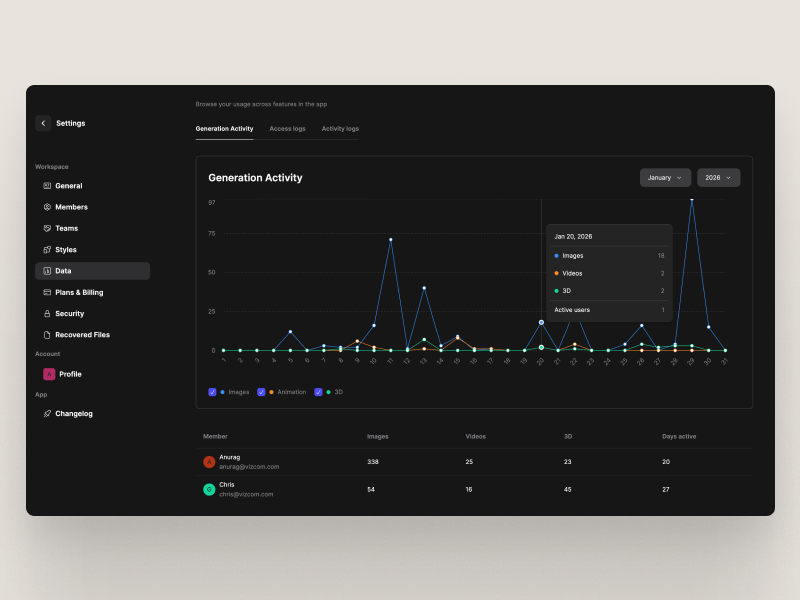
Analytics Dashboard for Enterprise Admins
Enterprise Admins can now see how their team uses Vizcom, from monthly trends to individual activity so they can spot engagement at a glance.
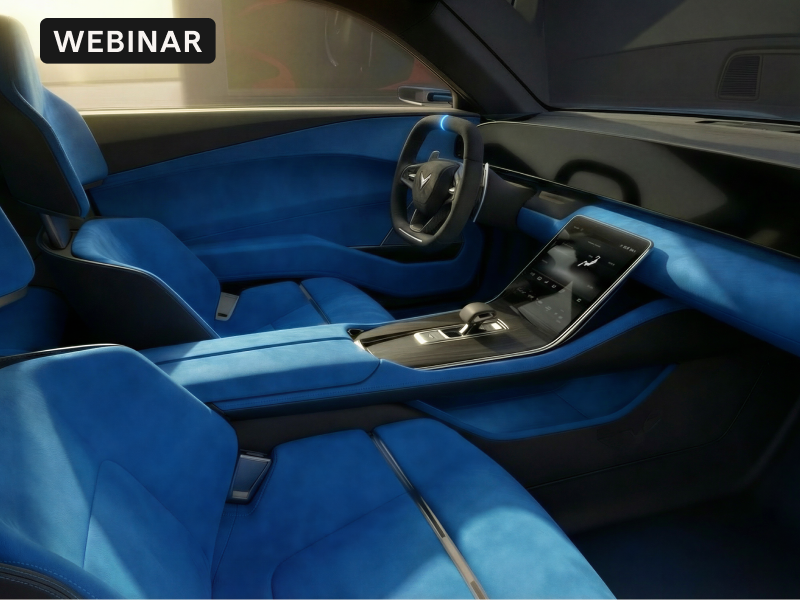
Webinar: Accelerating the Automotive Design Process with Vizcom
Missed it live? Catch the highlights from this webinar on automotive exterior and interior workflows to see how teams are moving from early concepts to refined designs.
Tool Tip videos & Tiny but mighty improvements
- Enterprise Admins can now recover all files from removed users, even drafts that were previously deleted, giving admins complete visibility and control in one place.
- Turn any design into a 3D model with our new tutorial feturing Product Expert, Mason Chen.
- Check out our Tips & Tricks video to discover simple ways to move faster and get more out of Vizcom.



